Pocket Launcher
A WHDLoad launcher for Amiga (OS 2.04+, 68000 and up). It catalogs your slaves and you launch them from a list with covers and gameplay shots — or from your phone. No MUI, no libraries: one file.
Unpack and run. Full changelog in the README inside the LHA (also on Aminet).
This release: v33.339 (2026-11-02, 1,204,217 bytes, with the translation catalogs). Already have it? It updates itself: Pocket Launcher → Check for updates...
Older releases: v33.338 (2026-11-01) · v33.337 (2026-10-30) · v33.336 (2026-10-23) · v33.335 (2026-10-11) · v33.327 (2026-10-06) · v33.326 (2026-10-04) · v33.325 (2026-10-03) · v33.324 (2026-10-03) · v33.323 (2026-09-07) · v33.310 (2026-08-16) · v33.288 (2026-08-09) · v33.286 (2026-07-31) · v33.285 (2026-07-30) · v33.284 (2026-07-21).
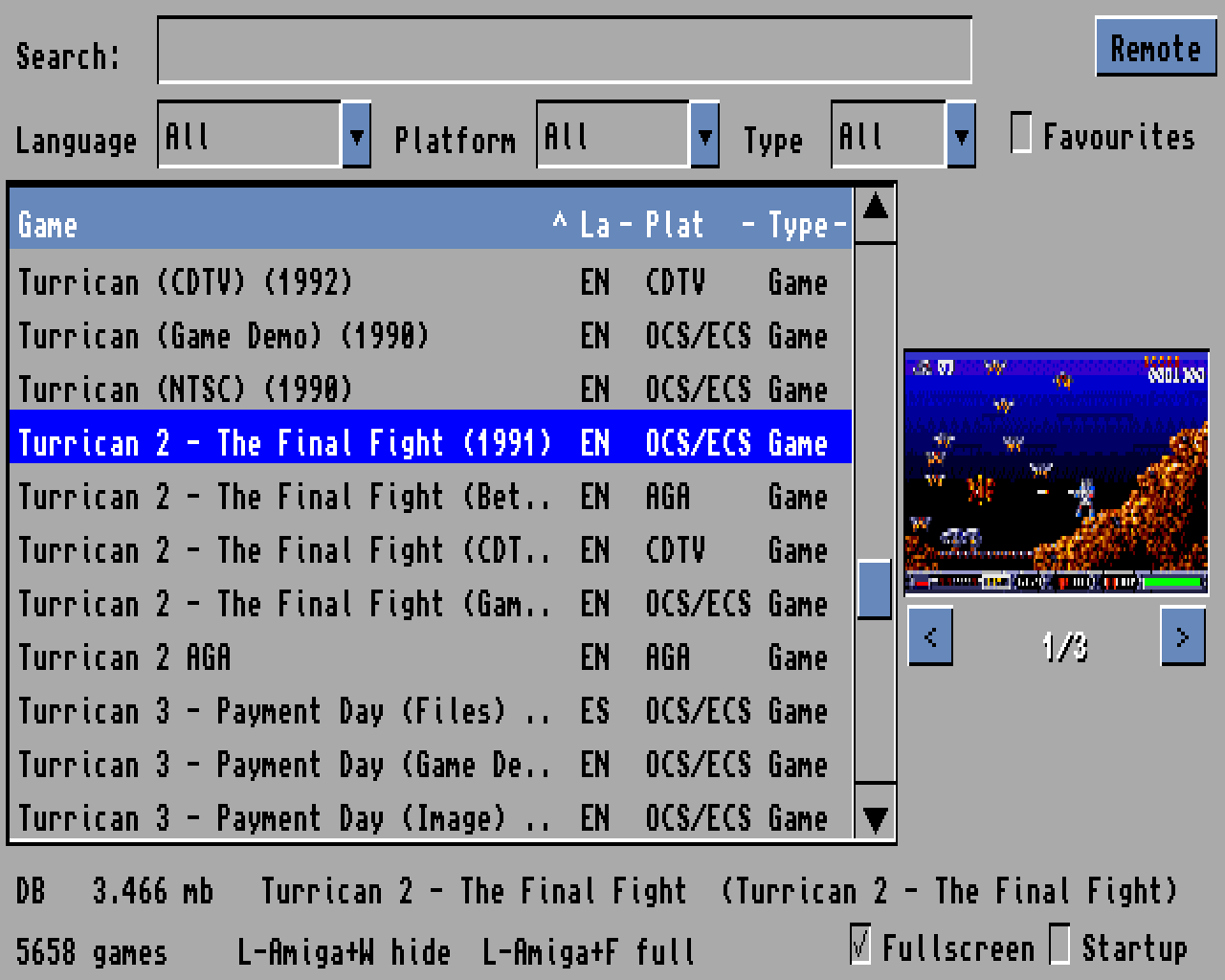
New in 33.339 — PCMCIA network cards and WHDLoad startup scripts
- Fixed: freeze with a PCMCIA network card when the network is started by a WHDLoad startup script (
ExecuteStartup) - System requesters: WHDLoad now runs with system requesters like when started from Workbench (games launched from the phone still run without them)
- Debug log: saved to disk before each game
Also new in 33.338 — sturdier on real hardware
Three fixes that came from your reports.
- No more “Runtime error” windows from disk errors: if the game list cannot be saved (disk full, write-protected or damaged) you get a message and the old list stays; a read error no longer stops the program
- PCMCIA network cards: on the A600/A1200 a network card in the slot no longer freezes games. Its interrupts are switched off while the game runs and restored after it; storage and memory cards are never touched. Tooltypes
PCMCIA=KEEP(never touch the card) andPCMCIA=FORCE(also a card whose driver it does not know) - Bonus on NTSC Amigas: the animation no longer stops on the first frame and Esc quits again. Bonus! → Download / repair surprises... gets the new one
And in 33.337 — native menus and a list that flies
Menus that look like the rest of your Workbench, and a list you can race through with the arrows without ever waiting for a cover.
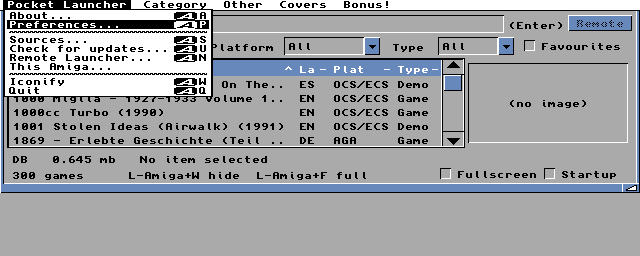
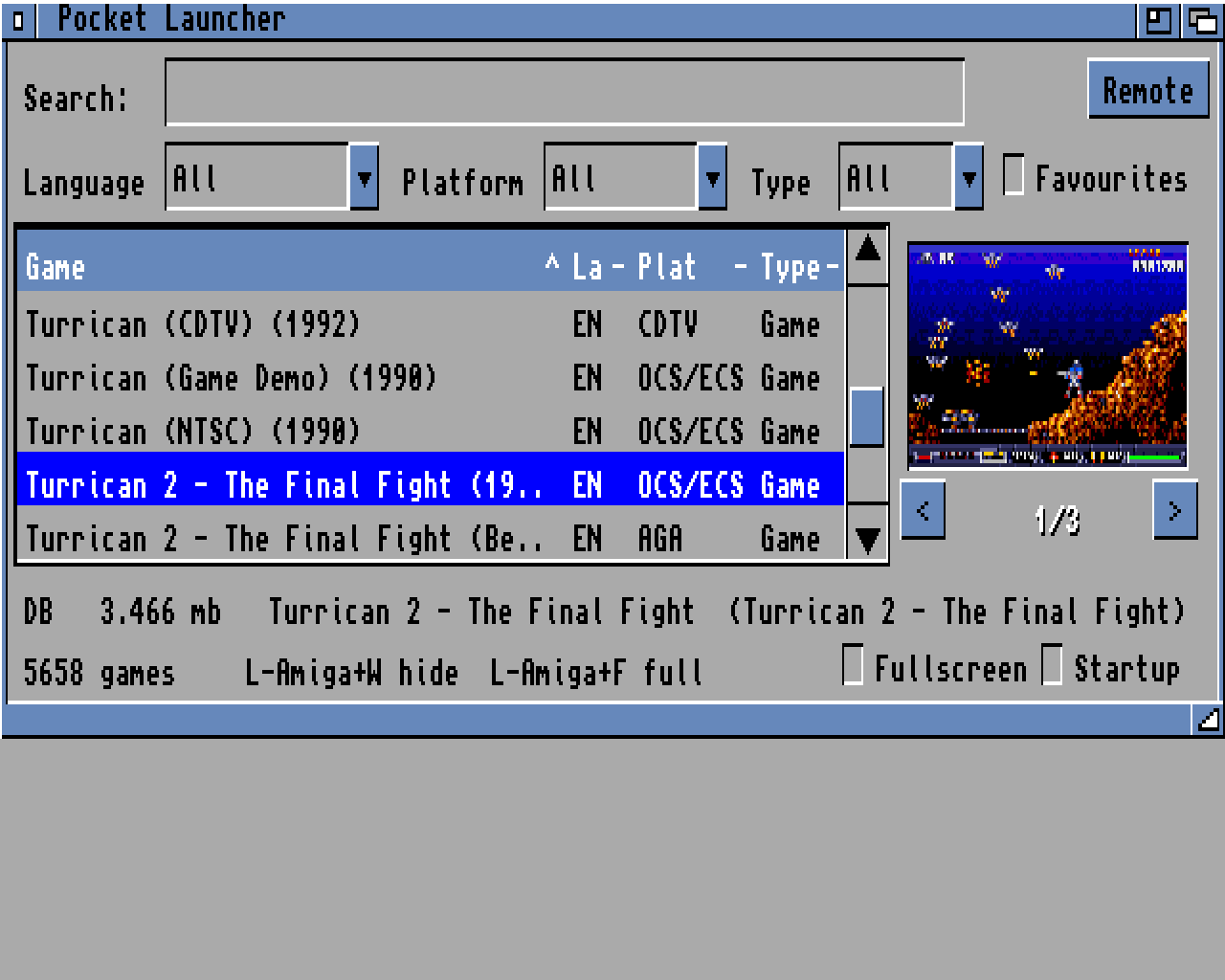
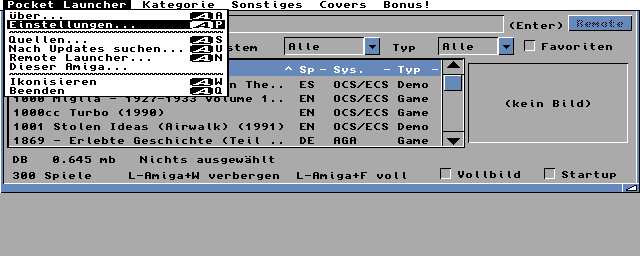
- Native menus: GadTools “NewLook” menus with the system font, pens and Amiga-key glyph, like Workbench and Prefs (2.04, 3.x and MagicMenu). Every shortcut also works with the left Amiga key; new item Iconify (Amiga+W)
- Smooth arrows: hold an arrow and the list scrolls at a steady pace, one row at a time, and stops exactly where you let go. Shift+arrow pages, Alt+arrow jumps to the top or the bottom. The joystick moves the same way
- Faster covers: 68000 assembler for decoding and scaling, a cache for recently seen covers, and covers load only once you stop — a cover being read is dropped as soon as you move on
- Lotus 2 and friends: with Roadshow the network stack is shut down again before the game, as in 33.335 (tooltypes
NETSTOP=INTERFACE/NETSTOP=FULLto choose) - Smoother start: the network check and the cover index wait until you stop using the keyboard
Also new in 33.336 — the release you asked for
Every feature here came from users. Thank you for writing in.
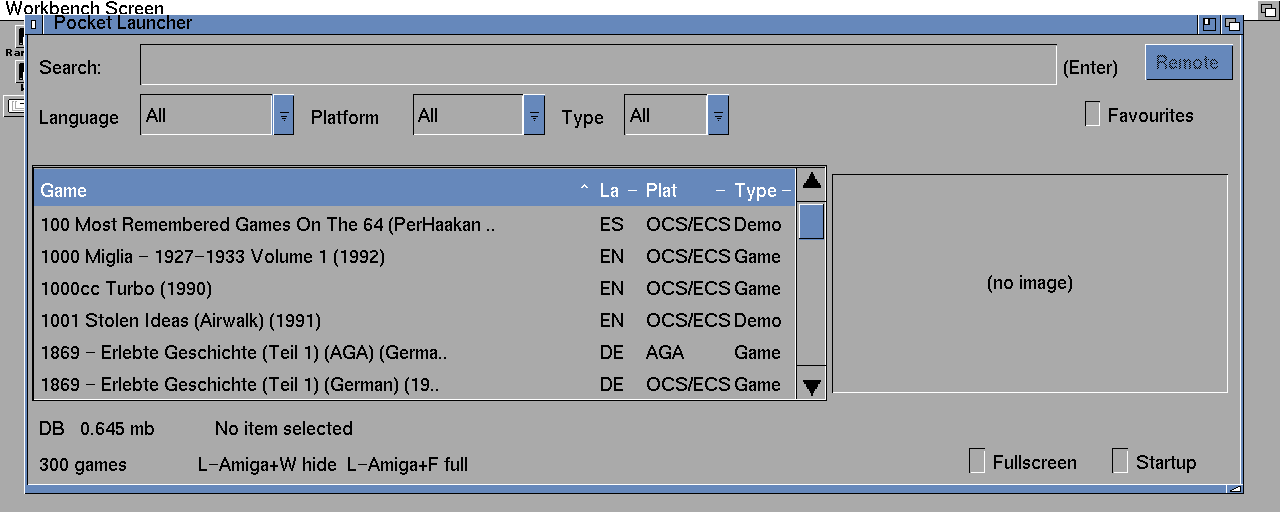
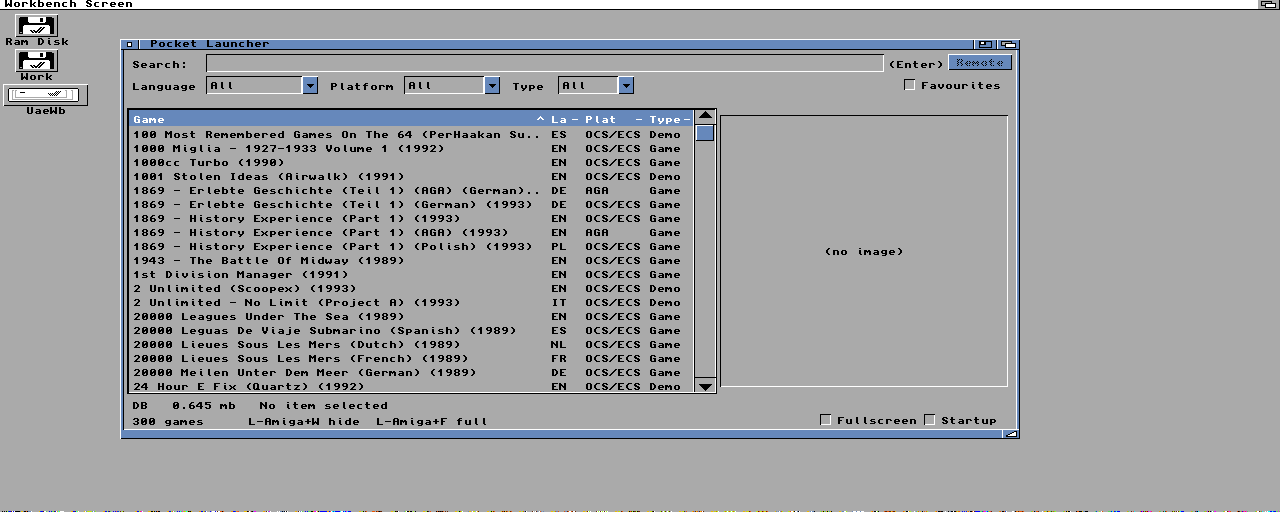
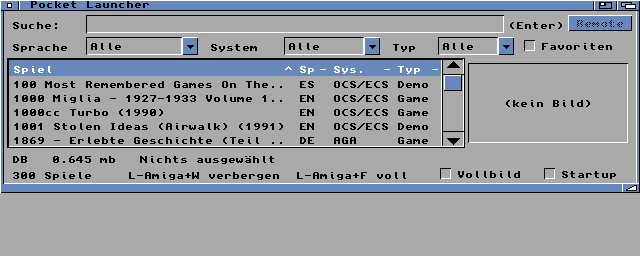
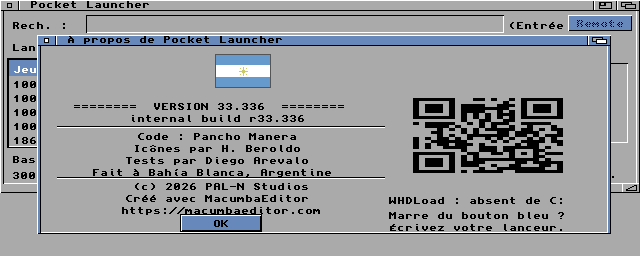
LOCALE:Catalogs/<language>/ wins over the built-in text. The .cd and .ct files are in the archive.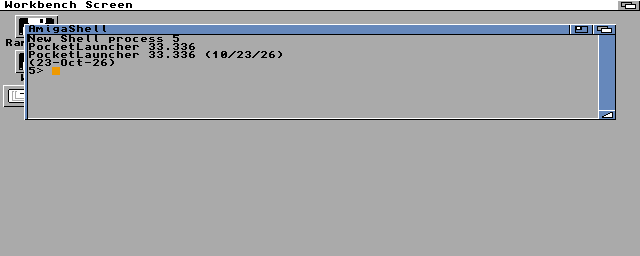
C:Version PocketLauncher FULL shows the right date, also on OS 3.0 and 3.1.- Font sensitive: topaz, helvetica, times, courier, XEN, XHelvetica… on PAL, NTSC, interlaced, SuperHiRes and RTG screens
- 10 languages: Deutsch, Español, Français, Italiano, Português, Nederlands, Svenska, Dansk, Norsk and Suomi (locale.library, OS 2.1+). For other languages it uses your next preferred language, or English. Corrections by native speakers are welcome: edit the .ct and send it
- A proper
$VER:C:Version PocketLauncher FULLsays PocketLauncher 33.336 with the right date (OS 2.04 to 3.2) - Remembers the window size and position between sessions — great on RTG. If the screen changes, the window is kept fully visible
- Sturdier: Remote Launcher copes better with Roadshow (with a single interface only the interface goes offline during the game; the whole stack is still shut down when RAM is tight), and search takes accented letters (über finds Über)
Also new in 33.335 — made for networked Amigas
With a PiStorm, a network card or a PCMCIA adapter, your Amiga is online. Pocket Launcher now makes the most of it — and stays rock solid when the network misbehaves.
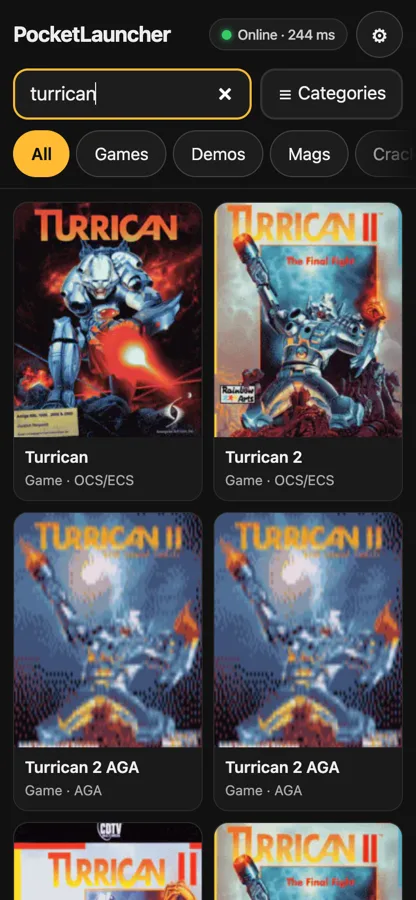
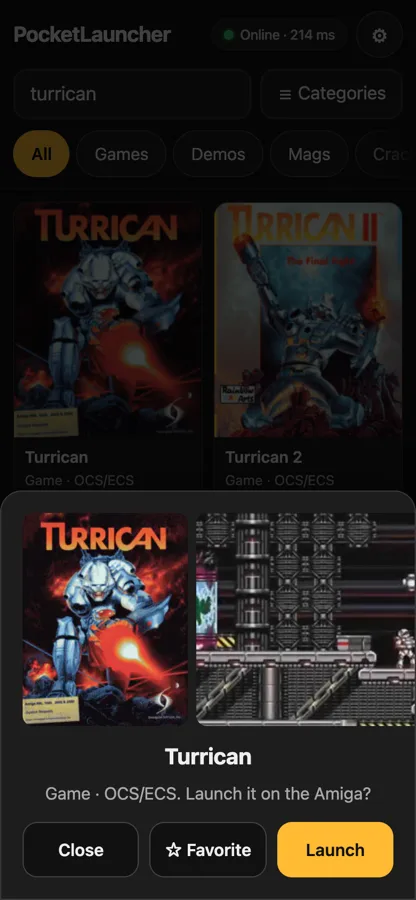
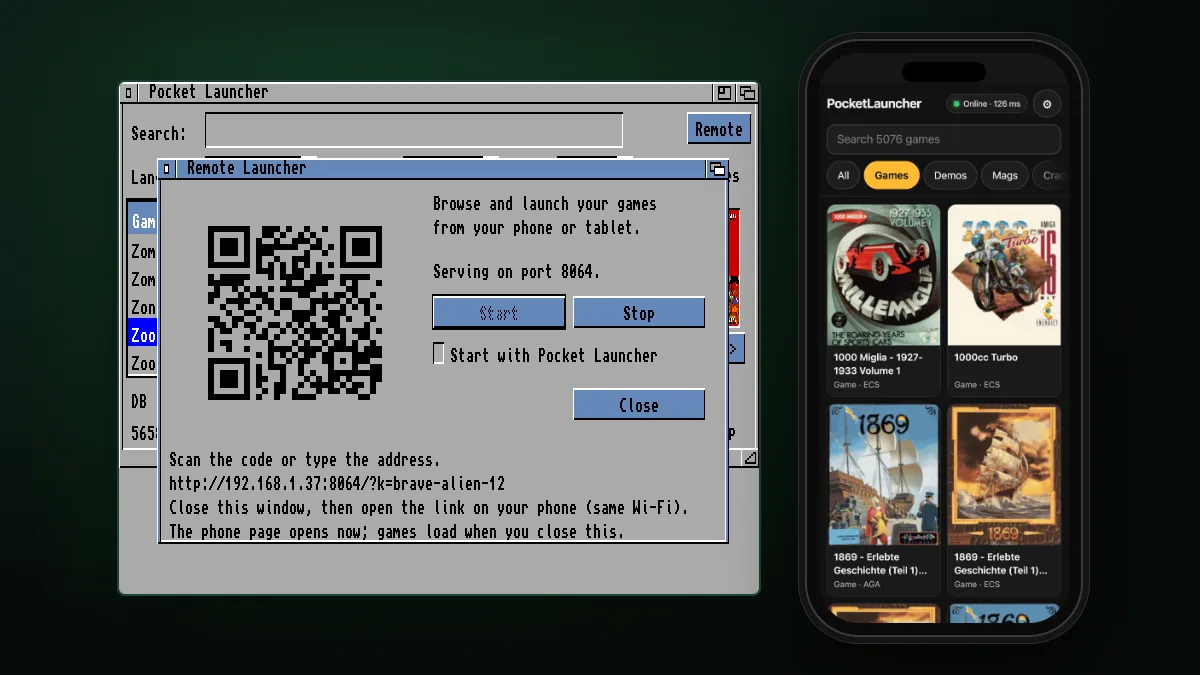
- Remote Launcher that always comes back: after every game it reconnects by itself, also when Pocket Launcher is iconified
- Any TCP/IP stack: Roadshow, Miami, AmiTCP, Genesis. The network is stopped before a game and brought back after (plipbox and friends no longer go deaf); tooltype
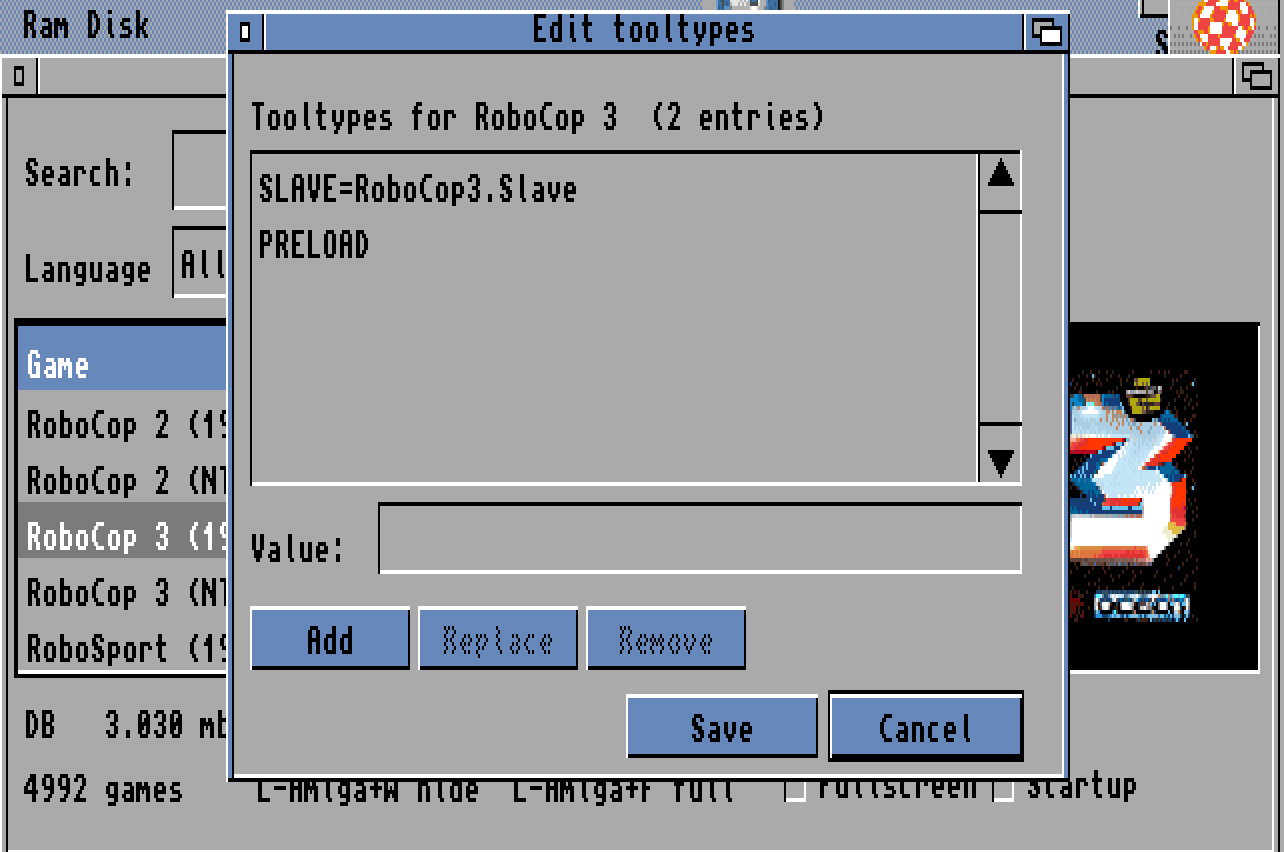
NETWORKDURINGGAMES=YESkeeps it up if you prefer - WHDLoad, every version: the slave's icon tooltypes are honoured and only the options your WHDLoad understands are passed
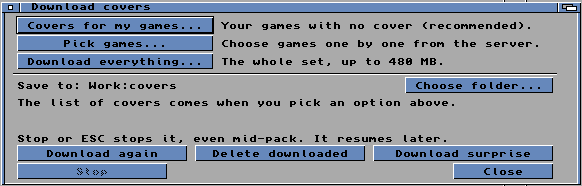
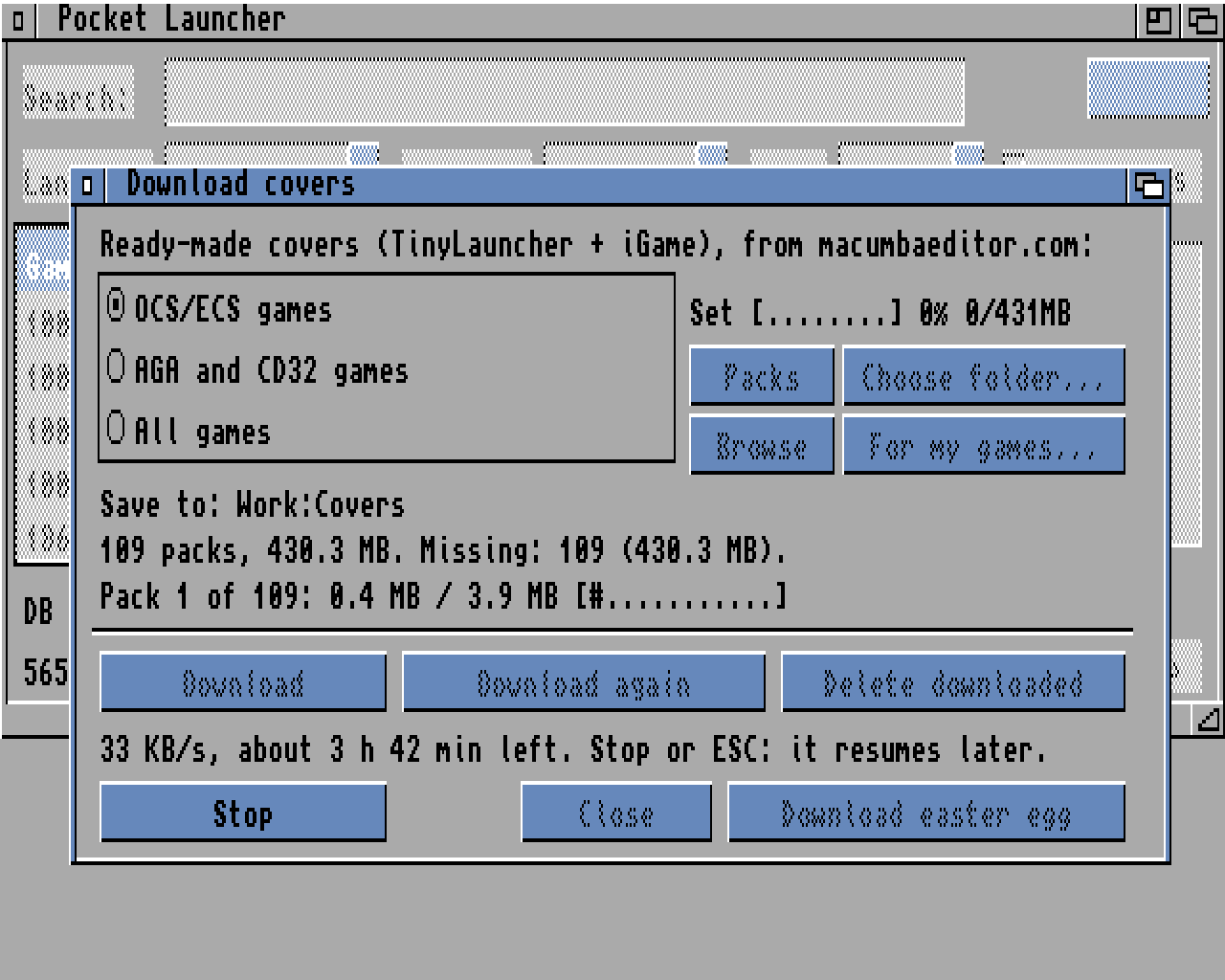
- Covers that never hang: downloads resume where they stopped, show progress and stop with ESC; long names work on plain FFS disks
- Online updater: signed updates with progress, one menu item away; now a single file to copy
- New Bonus! menu — and a few easter eggs for the curious :)
- Optional debug log you can send from the program if something goes wrong
Also new since 33.327
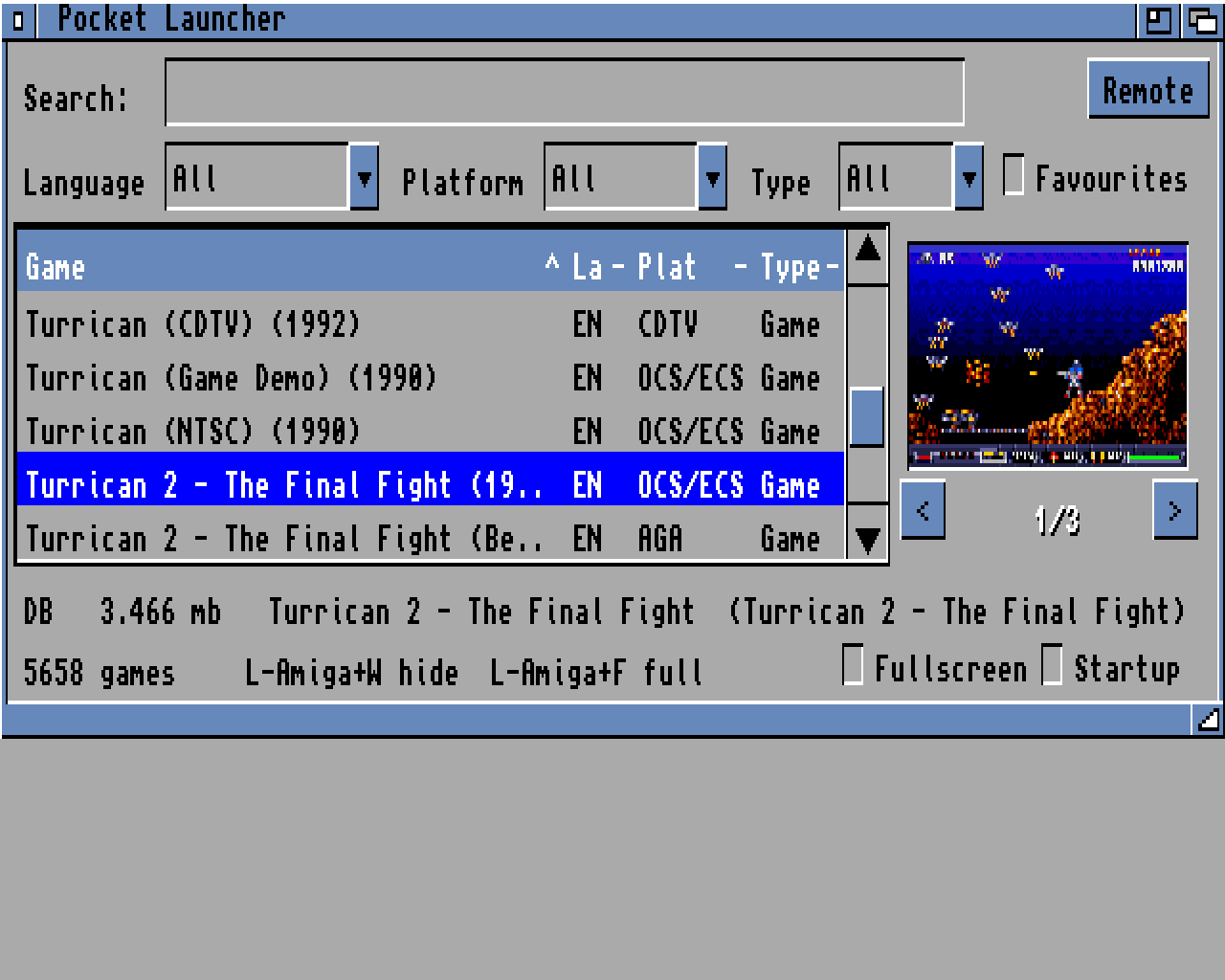
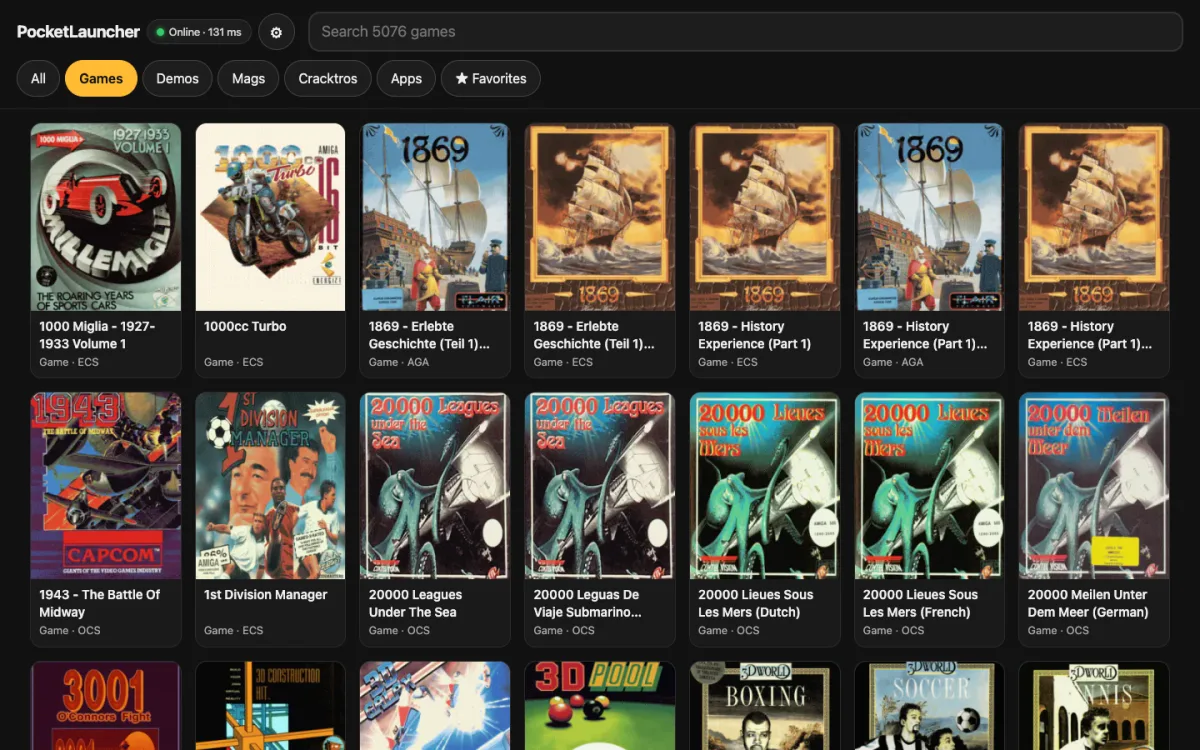
- Lighter and faster: about 1.5 MB less RAM used all the time (game data no longer copied to RAM:), ~0% CPU while idle, starts up to 3x faster on a 68000
- Safe on small machines: never crashes when memory runs out — it loads what fits and tells you; zero memory leaks
- Updates with progress and signed files; secure HTTPS built in (no AmiSSL), loaded only when needed and tuned for your CPU
- Runs on Kickstart 2.04/2.05 (A500+, A600) as well as 3.x
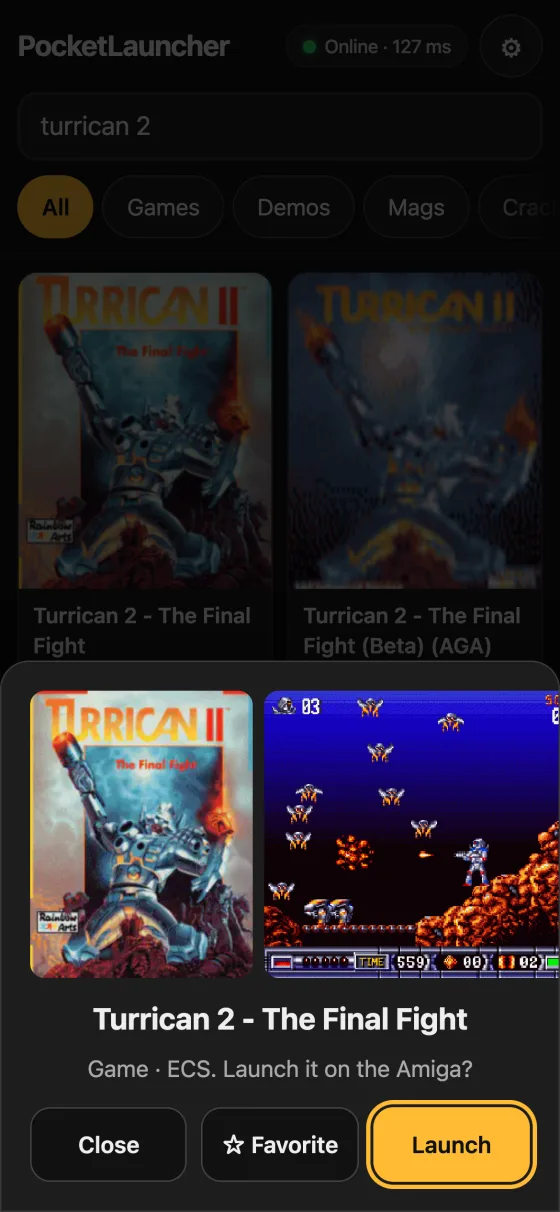
- Gameplay videos on the phone: about 1,500 games show a 10-second clip in the Remote Launcher detail, streamed from the internet to the phone
- Cover online: a game with no image tells you when the server has one, and one key (Amiga+E) fetches it
What it does
- No libraries needed: one binary, ROM libraries only — no MUI, no datatypes. Bare WB 2.04+, CD32, 1–4 MB machines
- Smart cataloging: reads the slave name and igame.data (title, genre, year, players, chipset), tells games from demos, up to 16 sources, incremental updates, keeps games on unplugged volumes
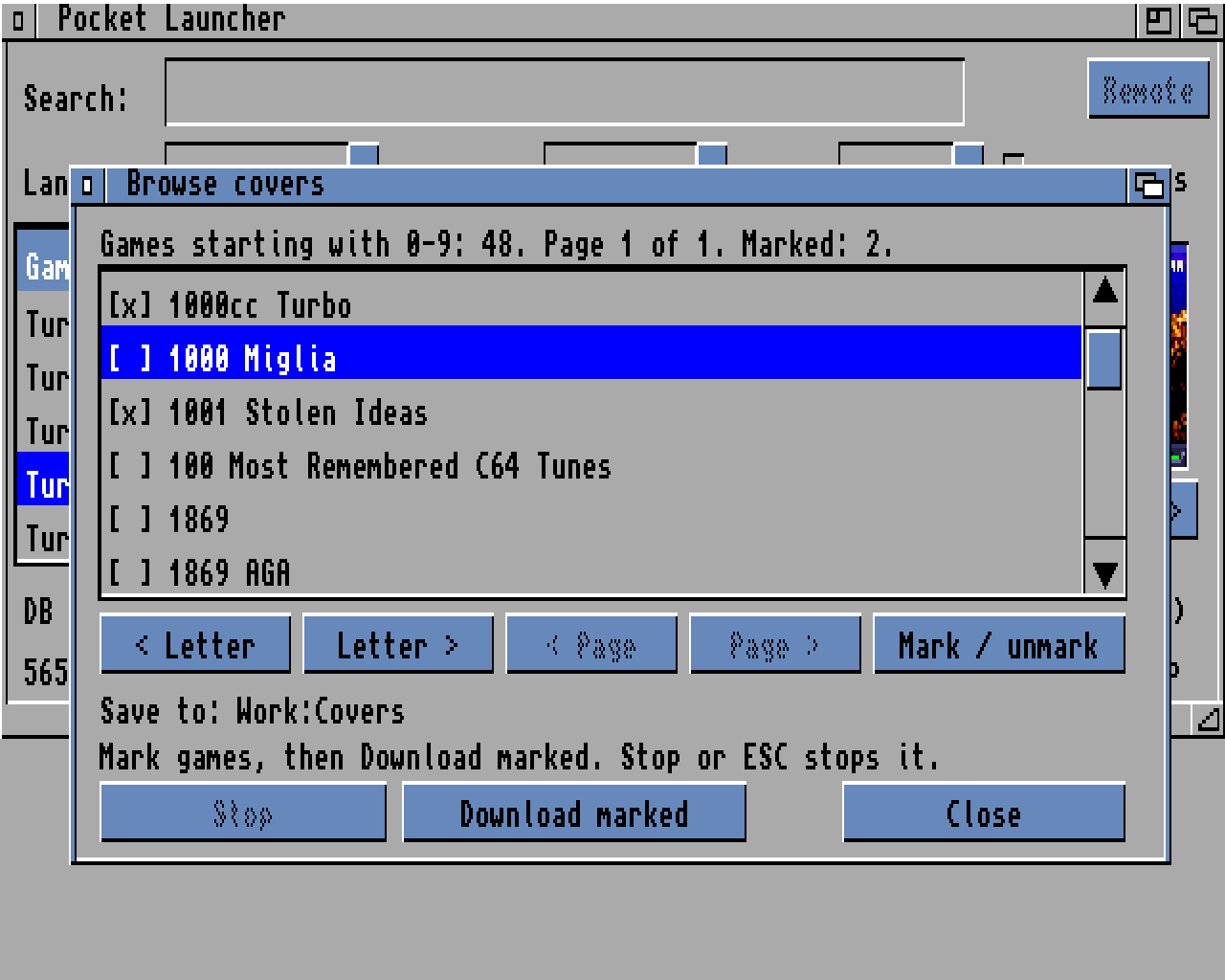
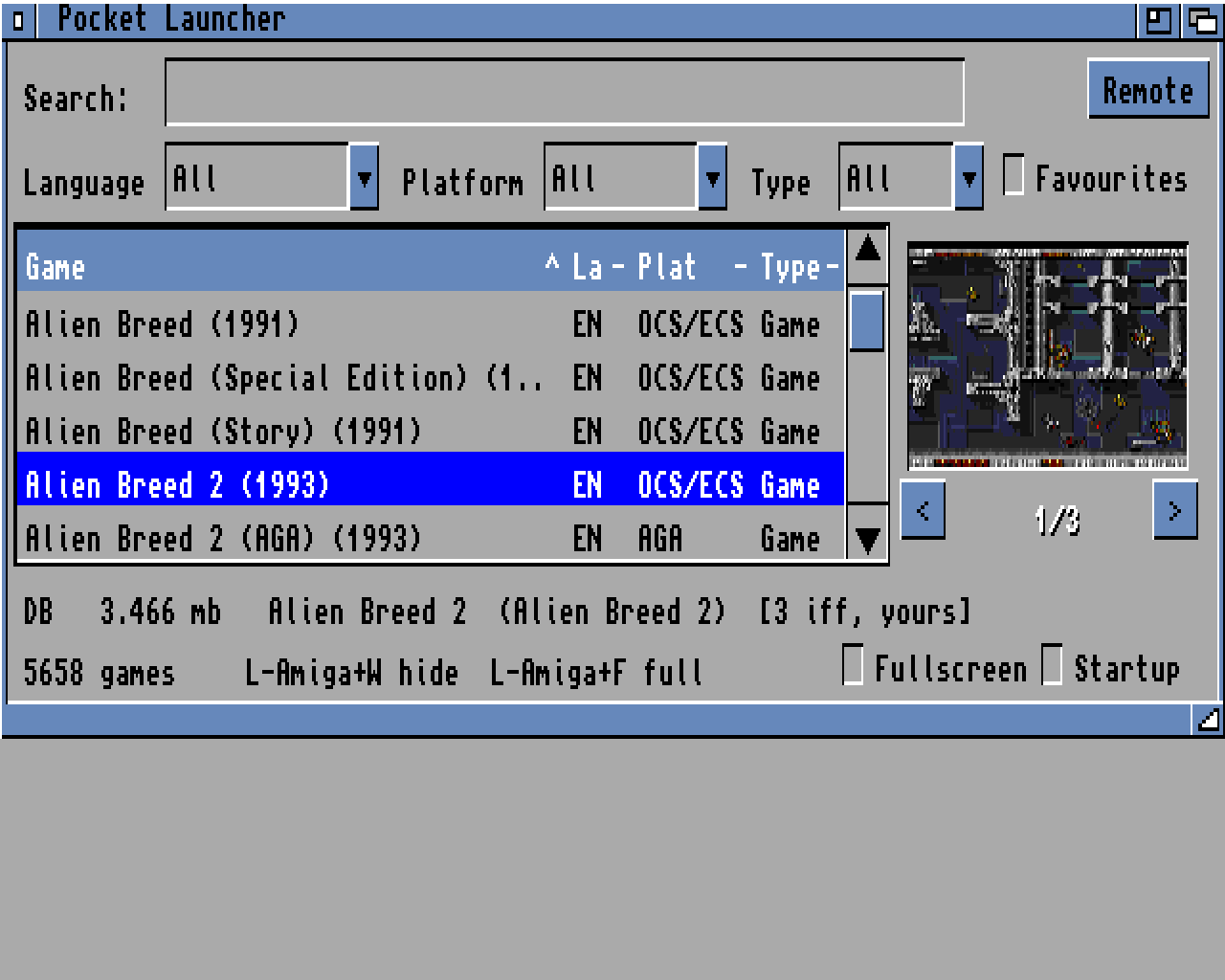
- Covers: native IFF (no datatypes), several images per game, TinyLauncher/iGame packs and
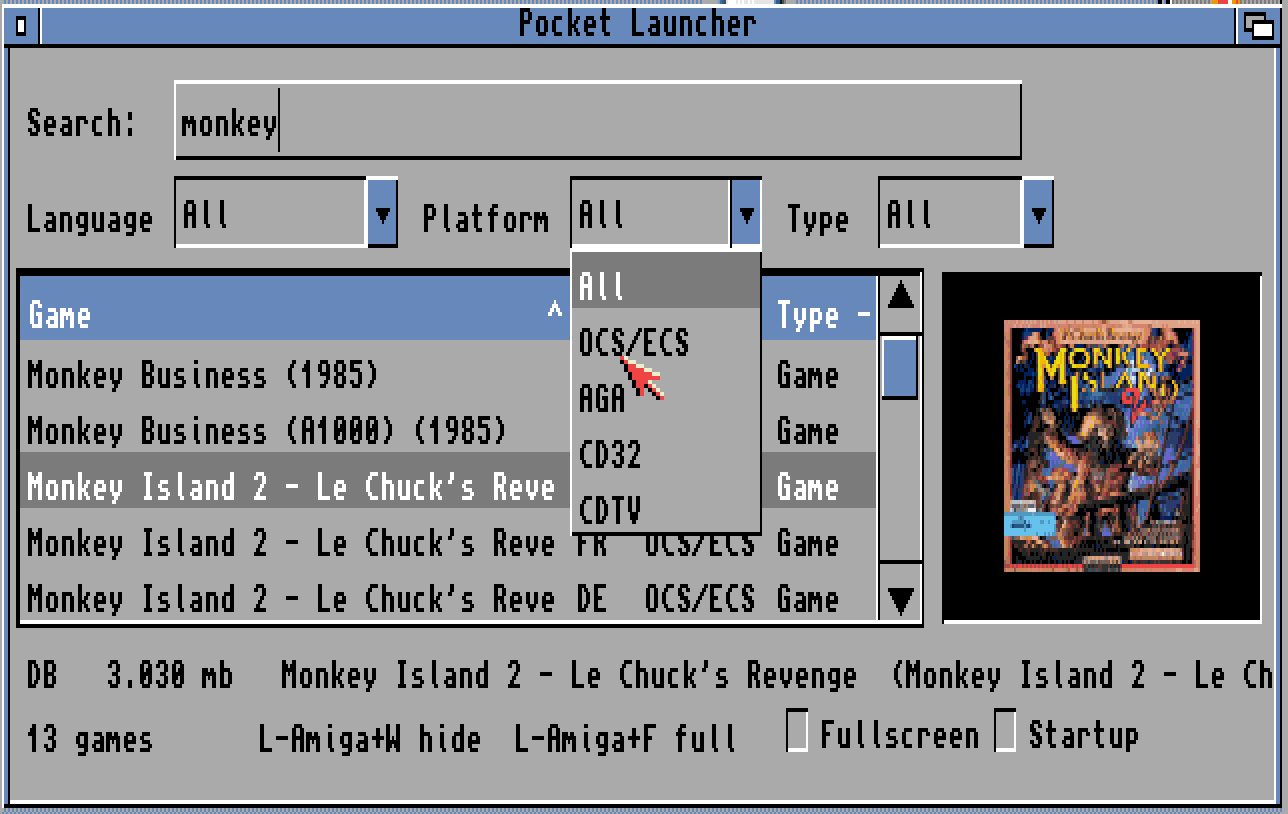
.runpacks recognised, fill or pixel-sharp scaling - Find fast: type to search, filter by language, platform and type, favourites, remembered filters
- Resizable window or fullscreen, iconify with hotkeys, run at startup, built-in tooltype editor
Screenshots
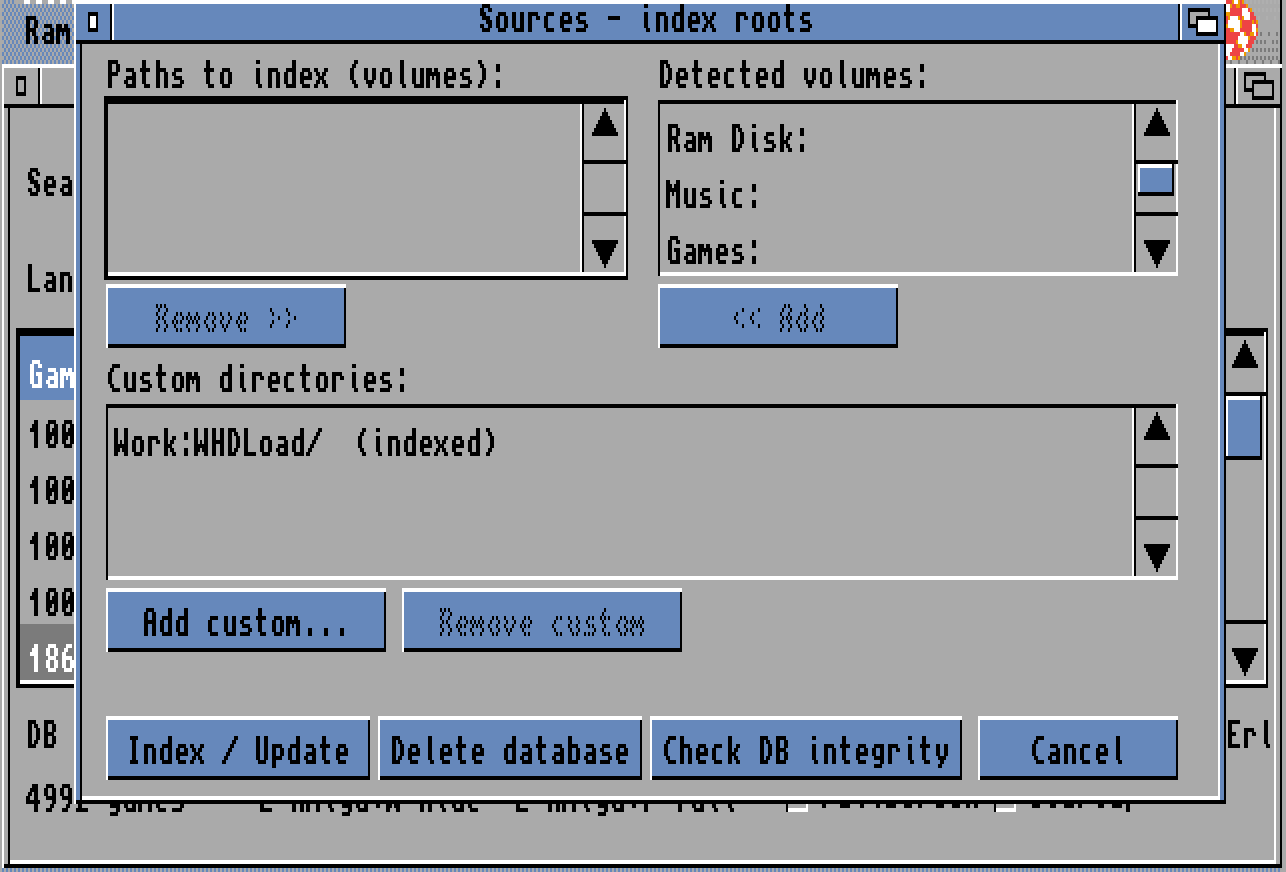
- The update check and the covers list carry a short line of anonymous stats (random install id, version, CPU, chipset, Kickstart/Workbench, RAM, screen mode, games count in hundreds, load times, and what it was doing if the last session crashed). No extra connection, nothing in LOW-RAM mode
- Never names, paths, game titles or files. Country is worked out from the IP on our server and the IP is not stored. Full list in the README
- Asked once before the first send; switch it off any time in Preferences → Send anonymous stats and crash info